✍️ Introducing Collaborative Question Writing
20
### Writing Collective 'The wisdom of the crowd' applies to more than forecasting: Now you can invite co-authors to your question drafts to collaborate and share feedback.  ### How Does It Work? After you create a question draft, click 'Invite Co-authors' at the top of the page or within the ‘...’ options menu. 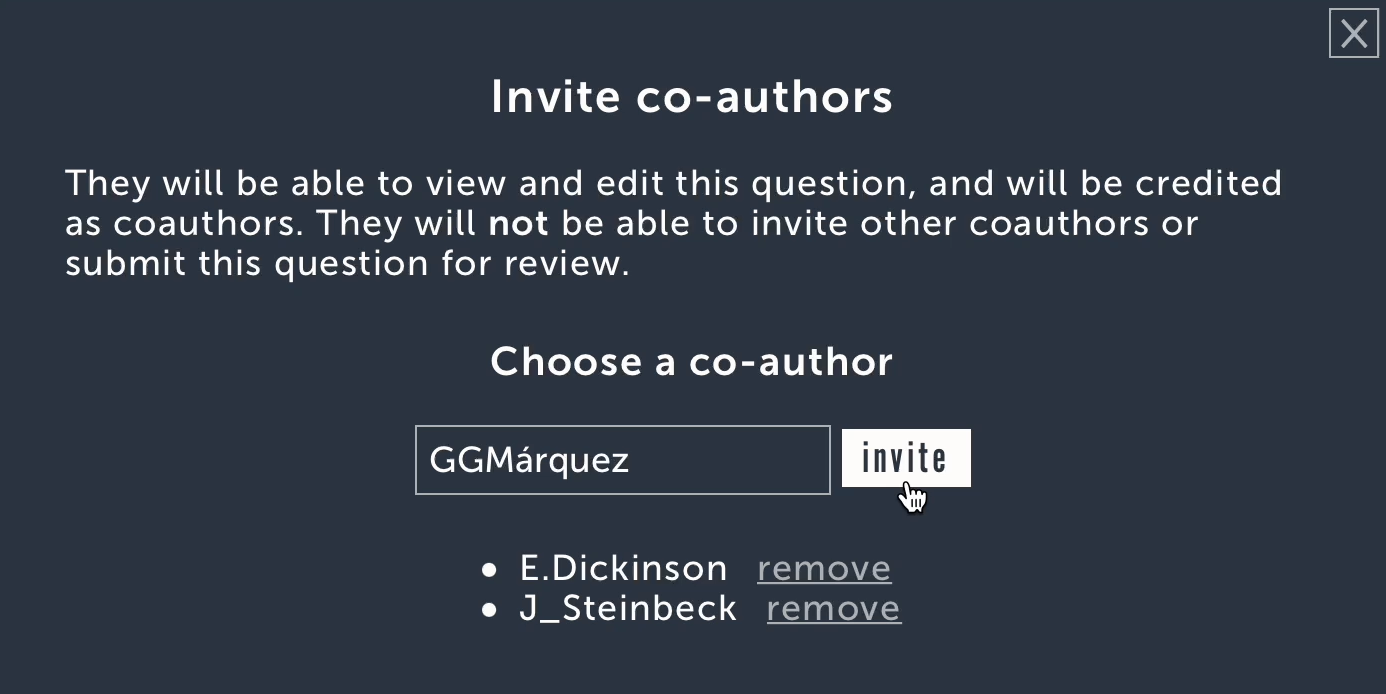 Invited co-authors will receive email notifications and appear as co-authors at the top of the page. #### Co-authors can: * edit all question fields * leave comments #### Co-authors can not: * invite or remove other co-authors * submit the draft for review Currently, co-authors can be added to forecast questions only—not discussion posts, notebooks, or public figure predictions. ### Writer’s Retreat Co-authors are able to leave the draft by clicking ‘Remove myself as co-author’ at the top of the page or by using the ‘...’ options menu. The question creator can also remove co-authors using the invite interface. <br /><br /><br /> Let us know what you think in the comments!